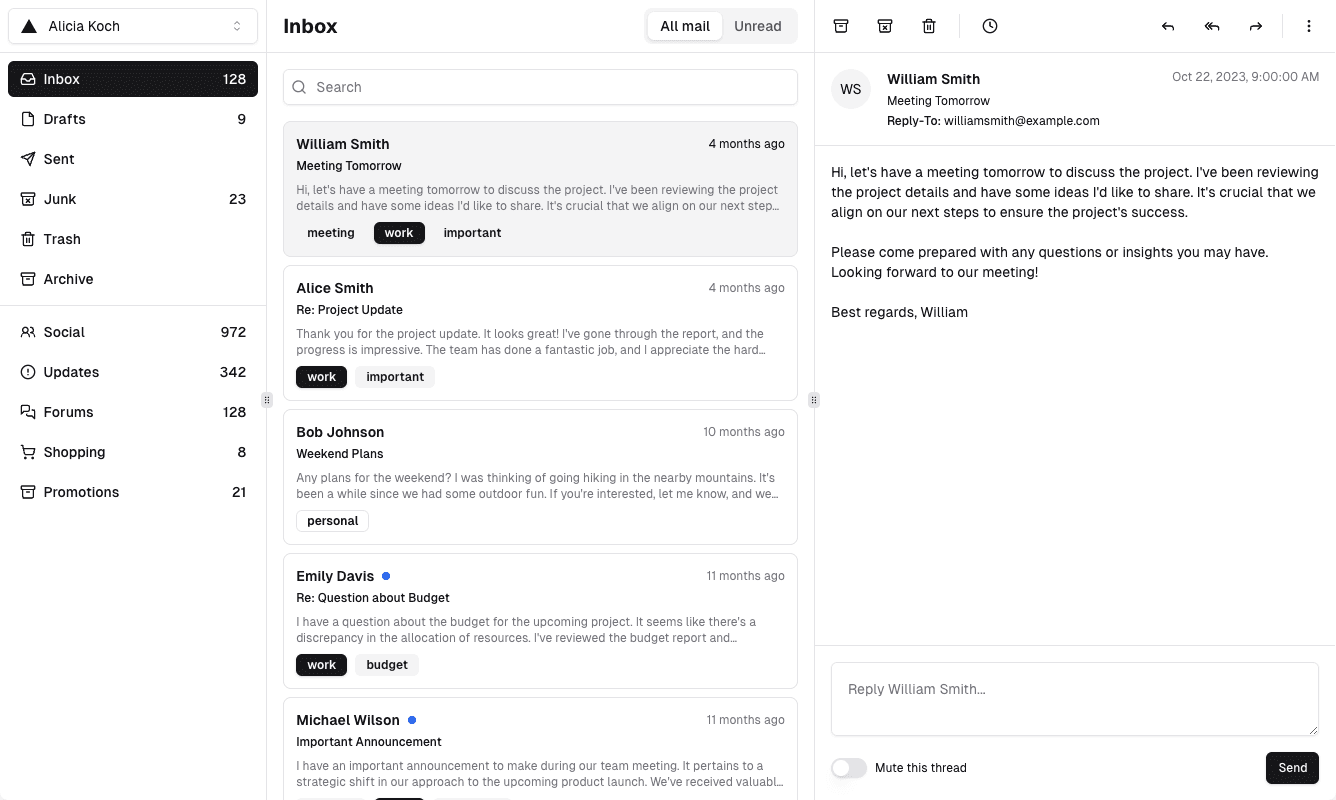

Most small teams start the same way. Someone creates support@ or sales@, points it at their own Gmail, and promises to forward anything important. It works for a month. Then a customer writes twice because nobody replied, two people answer the same lead with different prices, and the one person who knew the history goes on holiday.
This guide is about the fix: a shared inbox that the whole team works from, with AI inside it that has read the conversation. It covers why forwarding breaks, what a shared inbox should do, how to set one up in Mailhugs, and the habits that keep it working.
Why forwarding and group aliases break
A Google Group or a distribution list delivers the same email to several people. That is not the same as sharing an inbox. Each copy lives in a different mailbox, so:
- Nobody knows who replied. Two people answer, or everyone assumes someone else did.
- Replies lose the thread. When a teammate answers from their own address, the customer now has two threads with two people.
- History is split. The context you need is in a colleague's Sent folder, not yours.
- Search is useless. Each person searches their own copy and finds half the story.
A shared inbox solves this by giving the team one mailbox. One conversation per customer. One place to search. One Sent folder that shows exactly what the company said.
What a shared inbox with AI should do
Sharing the mailbox is the first half. The second half is making replies faster without making them worse. Here is what we think the bar is.
Everyone sees the same inbox. Every member of the team opens the same support@ and sees the same unread threads, the same drafts and the same sent mail. No forwarding, no "did you see this?" messages.
Replies come from the shared address. When you answer a customer, the email goes out from support@, so the customer's thread stays intact no matter who on the team picks it up next.
The AI reads the thread before it writes. A draft that ignores the previous five messages is worse than no draft. The assistant should pull in what the customer asked, what you already promised, and how your team usually phrases things.
You can ask questions about the mail. "What did we tell this customer about refunds?" should be a question you can type, not a search you have to construct.
Done means done. A thread you have handled should leave the inbox so the team only looks at what still needs a reply.
Setting it up in Mailhugs
Mailhugs connects to Gmail and Google Workspace, so support@ needs to exist as a Google account or a Workspace mailbox. Once it does, the setup takes a few minutes.
1. Create your team
Sign up with your email and create a team during onboarding. A team is a workspace: the inboxes connected to it are shared by every member.
2. Connect the shared mailbox
From the team, connect the support@ or sales@ account with Google sign-in. You sign in as that mailbox once. Mailhugs syncs the recent history and keeps the inbox up to date from then on. Nobody needs the mailbox password after this step.
3. Invite your teammates
Invite people by email. They get a link, sign in with a code, and land in the same shared inbox. Owners and admins can add or remove inboxes; members can read, reply and use the AI.
4. Reply with AI
Open a thread and ask the assistant for a reply. Tell it what you want to say in a sentence, and it writes the email from the full conversation. Edit it, or just start typing and let the autocomplete finish your sentences. When you are happy, send it from support@.
5. Mark threads done
When a conversation is handled, mark it done. It leaves the inbox for everyone, so the list only shows what still needs attention. Search brings it back the moment you need it.
Habits that make it work
The tooling gets you one inbox. These habits keep it calm.
- Agree who owns what. A simple rule like "whoever opens it first owns it" removes most double replies. Say it out loud once and write it down.
- Reply from the shared address, always. Even for a one-line answer. The moment someone replies from their own mailbox, the thread splits.
- Let the AI draft, not decide. The assistant is excellent at the first 80 percent of a reply. Pricing exceptions, refunds and anything legal still get a human read.
- Mark done aggressively. An inbox with 400 handled threads in it is as useful as no inbox. If it is answered, it is done.
- Search before you ask. Before pinging a colleague about a customer, ask the AI or search the thread. The answer is usually already in the mailbox.
What to measure
You do not need a dashboard to know whether this is working. Three numbers tell you:
| Signal | How to check | What good looks like |
|---|---|---|
| First reply time | Time from a customer's email to your first answer | Under a few hours during working days |
| Threads waiting | What is still in the inbox at end of day | Close to zero |
| Double replies | Customers who got two answers to one question | None |
If first reply time drops and double replies disappear, the shared inbox is doing its job. If threads pile up, the problem is usually ownership, not tooling. Go back to the first habit.
Where to start
Start with one inbox. Pick the one that hurts most, usually support@, connect it, invite the two or three people who answer it, and run it for a week. Add sales@ once the team trusts the setup.
You can create a free account and connect your first inbox today. If you would rather see it first, book a demo and we will walk you through it with your own mailbox.